
Your "Wireless" Home Still Needs Wires
From Justin at SoulCraft Systems · October 16, 2026
Get an Estimate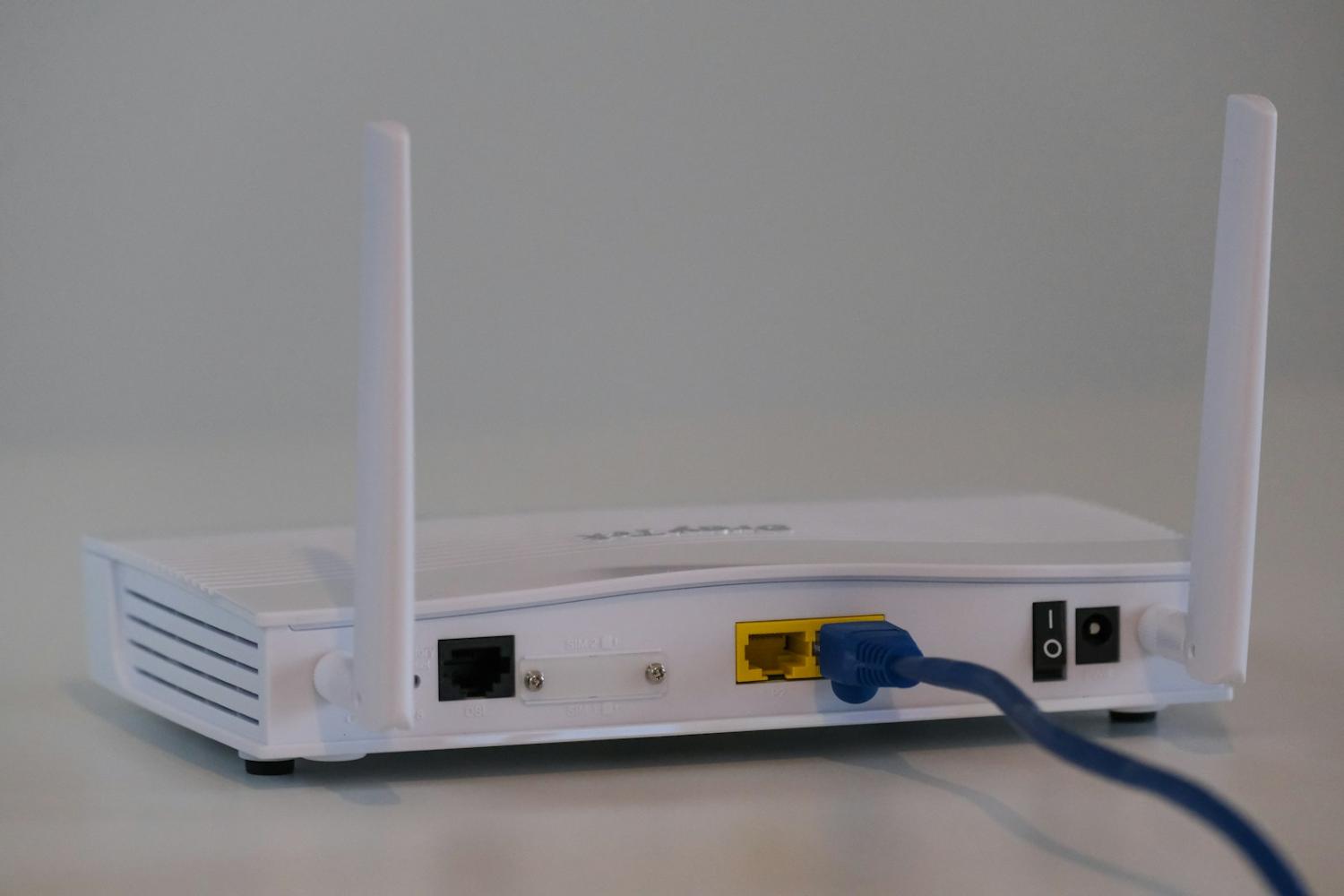
Here's the deal. Almost everything in your house says "wireless" on the box. Sonos, eero, Ring, the TV. And almost all of it works better with a wire behind it.
I've been doing this since 1998. The calls I get about Wi-Fi that drops, music that cuts out, or a camera that keeps going offline? Most of them trace back to one thing. Not enough wire in the walls.
Wireless still starts with a wire
Your Wi-Fi has to come from somewhere. A mesh system like eero works great, but each access point has to talk to the others. When they do it over the air, every hop slows things down. When each one has a network cable going back to the rack, you get full speed in every room. More on whole-home Wi-Fi.
Same goes for everything else on the network. Every device that streams over Wi-Fi is sharing the same air with your phones, laptops and the kids' tablets. Take the big stuff off the air and everything else gets faster.
What I'd hardwire
If the walls are open, or you're planning a remodel, this is my list:
- Wi-Fi access points. One cable to each, usually in the ceiling. This is the foundation everything else sits on.
- Every TV. A wired TV doesn't buffer during the big game, and it frees up Wi-Fi for everybody else. See TV and surround sound.
- Your Sonos anchor spots. The soundbar, the amp in the rack, anything that anchors a room. See whole-house music.
- Cameras and the doorbell. Wired power means no battery swaps. Network over the same cable (that's 'PoE') is even better. More in our Ring 4K camera guide.
- A spare run or conduit. Cheap now, expensive later. Whatever comes out in five years, you'll have a way to get a cable there.
Fewer boxes, fewer problems
I'm always looking for less electronics in an install. Just fewer things to go wrong. Wire is the opposite of a gadget. It doesn't need updates, it doesn't have a battery, and it'll still be working long after the gear on either end gets replaced.
Building or remodeling?
This is a lot easier before drywall. If you're building, our builder prewire checklist covers what to ask for, and here's what to expect from a low-voltage partner. If you're already living in the house, we can usually still fish cable to the spots that matter most. See prewire and design.
Call us at (404) 590-7685. Up at the lake or in the mountains? Call Ryan at (706) 982-3327.
Frequently asked questions
Mesh Wi-Fi, TVs, finished homes and where to start.
Do I really need wiring if I have mesh Wi-Fi?
Should my TV be on Wi-Fi or a network cable?
Can you add wiring to a finished house?
What's the one thing to wire if I can only do one?
Want a house that just works?
Call (404) 590-7685 or use the estimate form. We work in Atlanta, North Georgia, and Highlands and Cashiers.
Get an EstimateGet an Estimate
Call (404) 590-7685, or tell us about your house or your build with the form.