Home Networking and Wi-Fi
Fast, reliable Wi-Fi coverage in every room.
Wi-Fi first
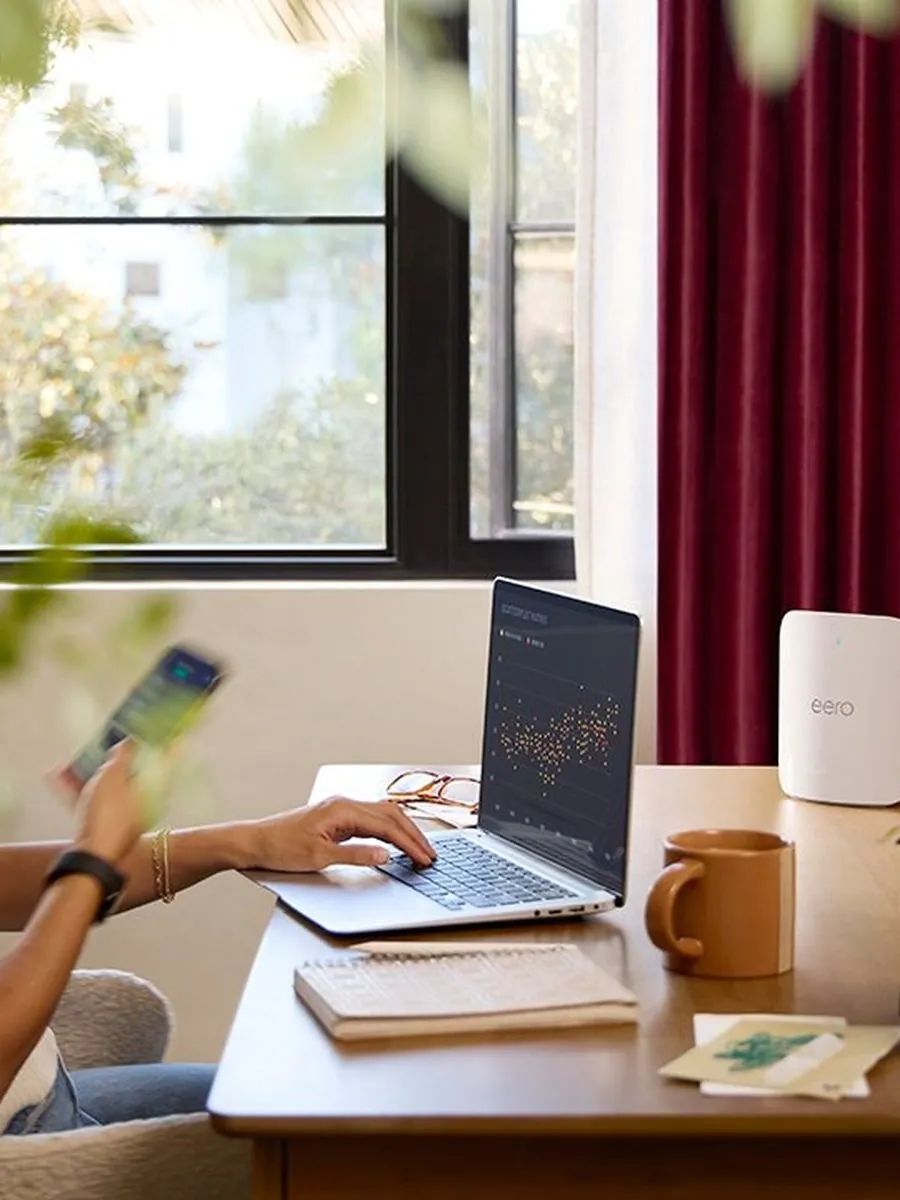
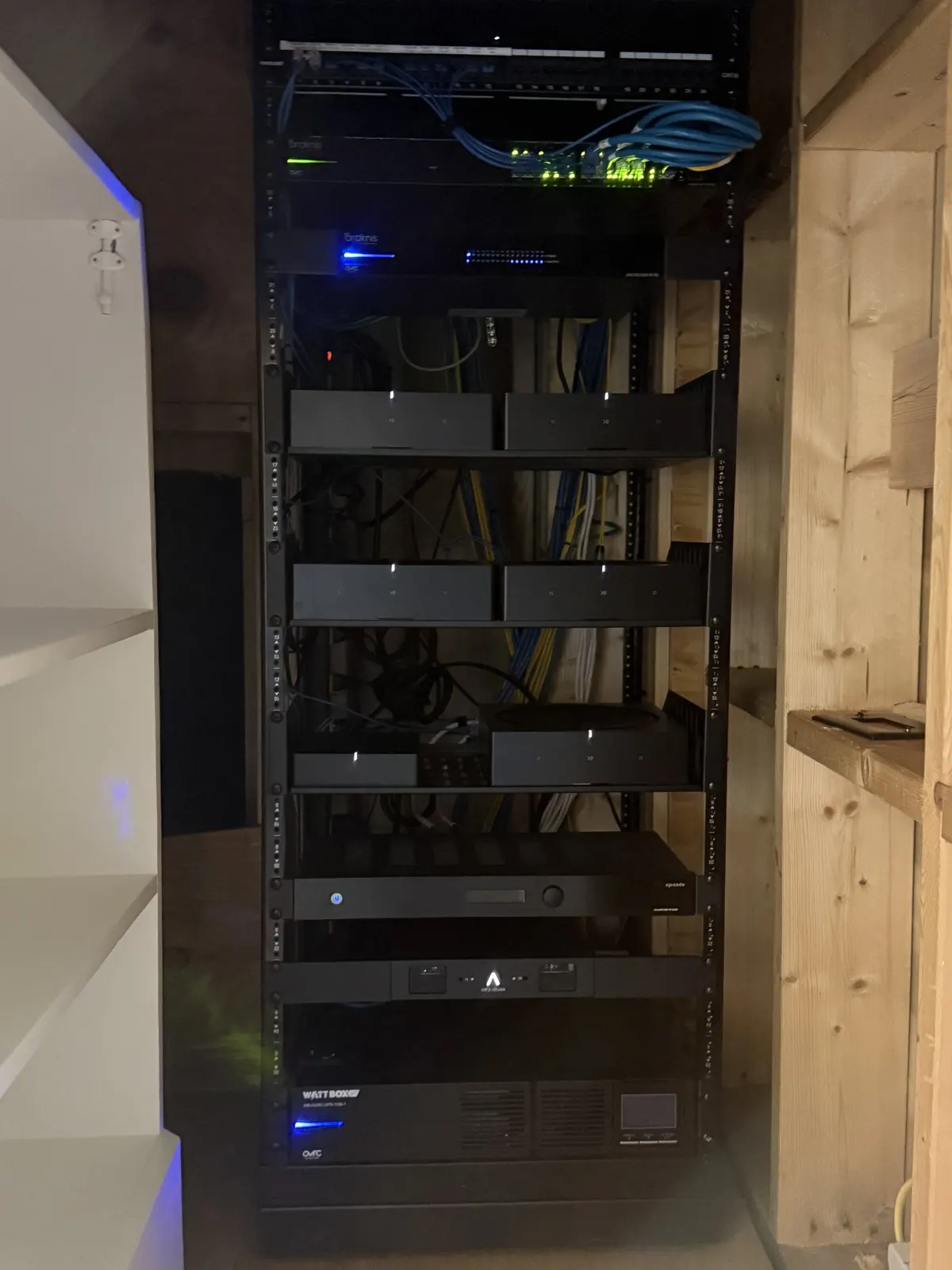
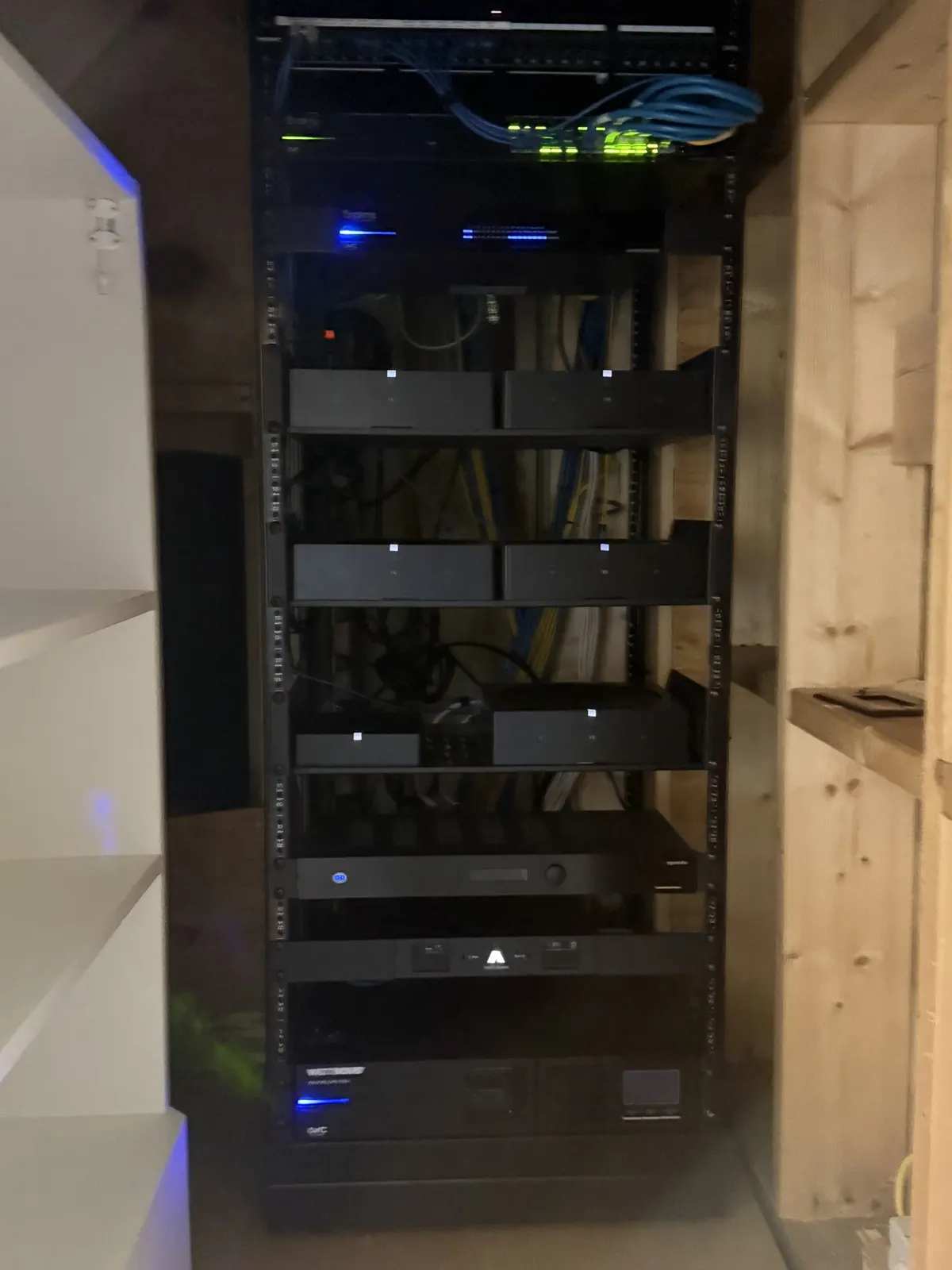
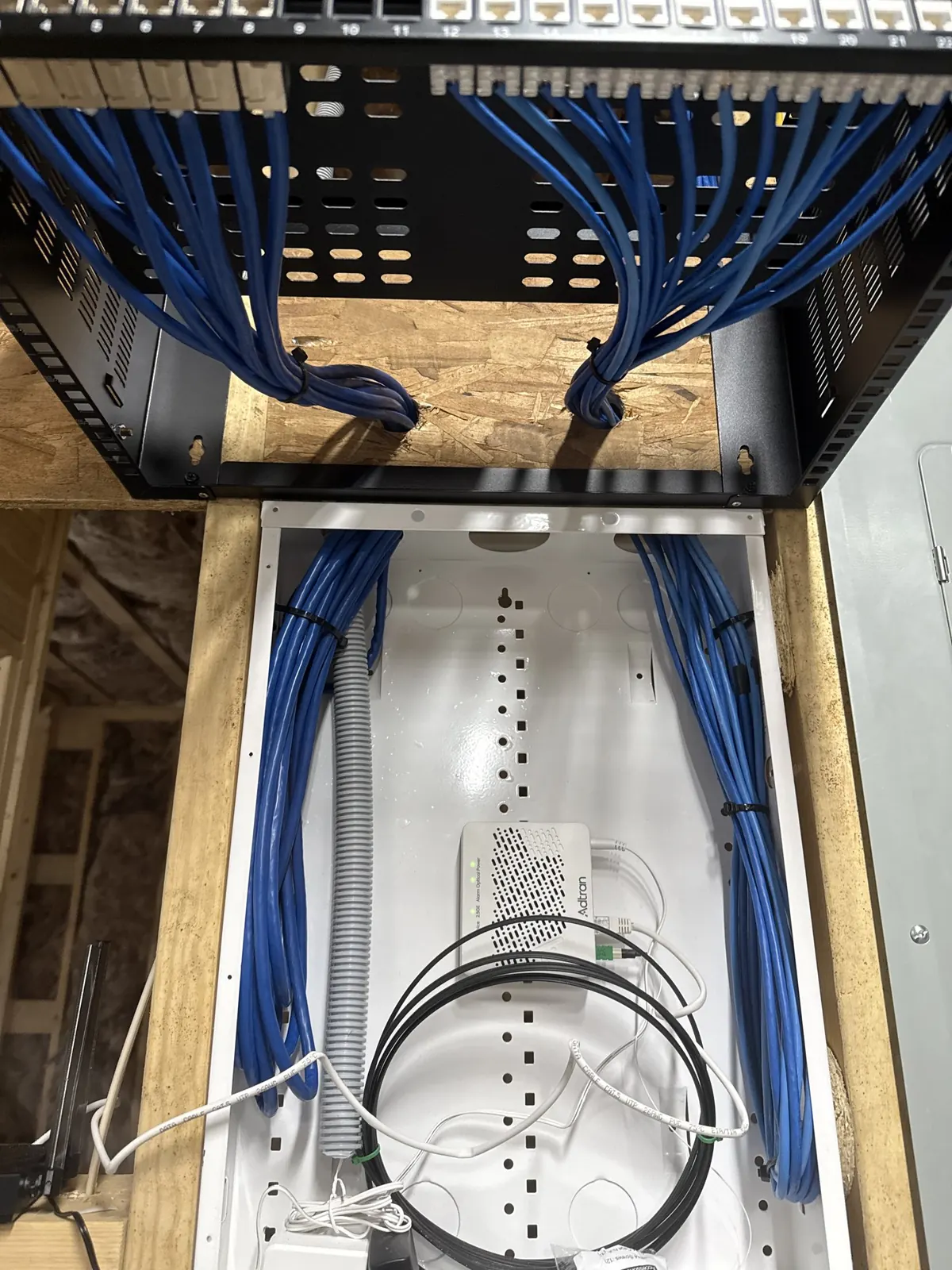
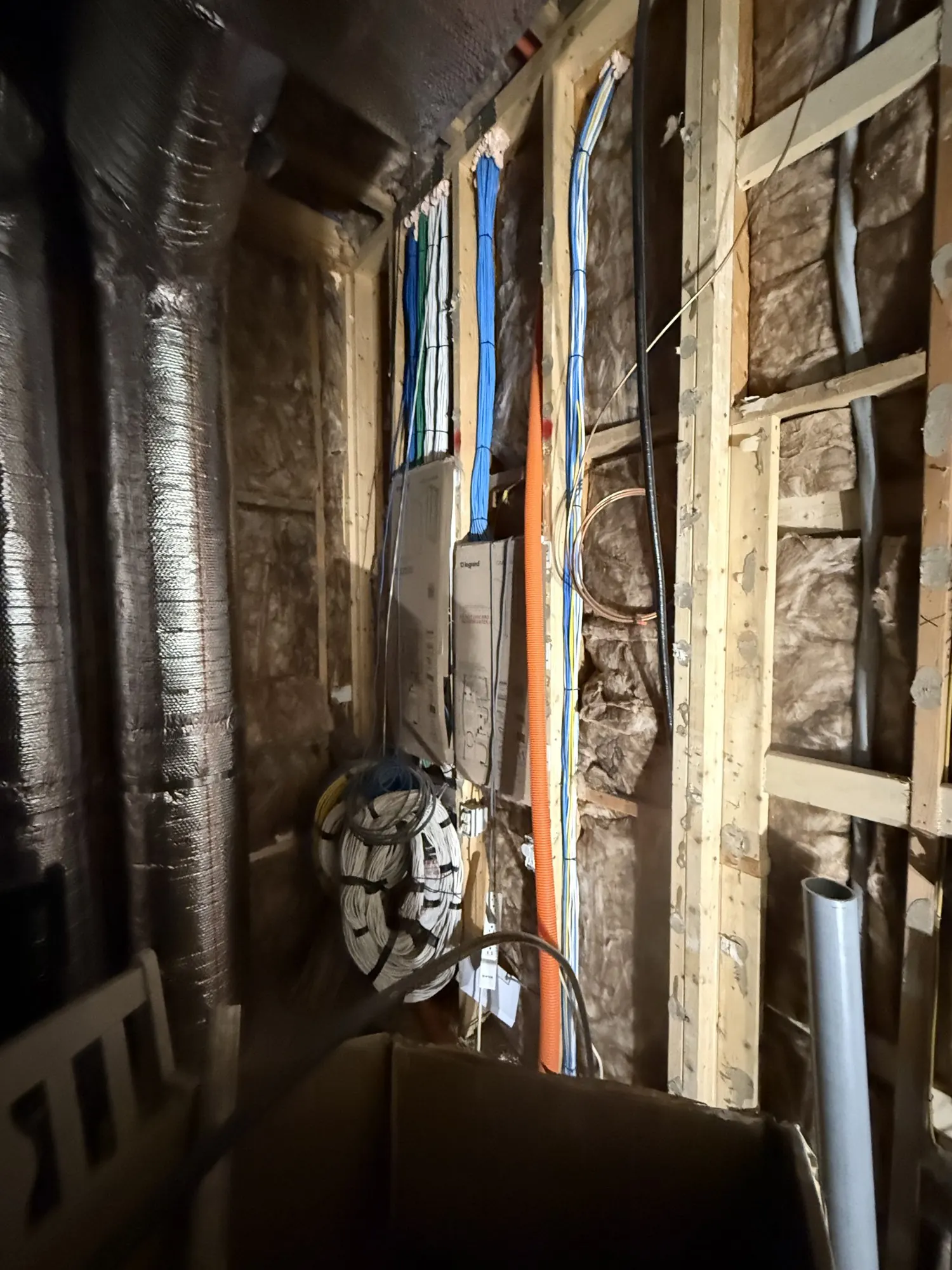
Wi-Fi is the backbone of your home's technology. We run a wire to every access point, and to every device that can take one. Then we build a strong mesh around it, so everyone gets fast, reliable coverage.
Wired where it matters
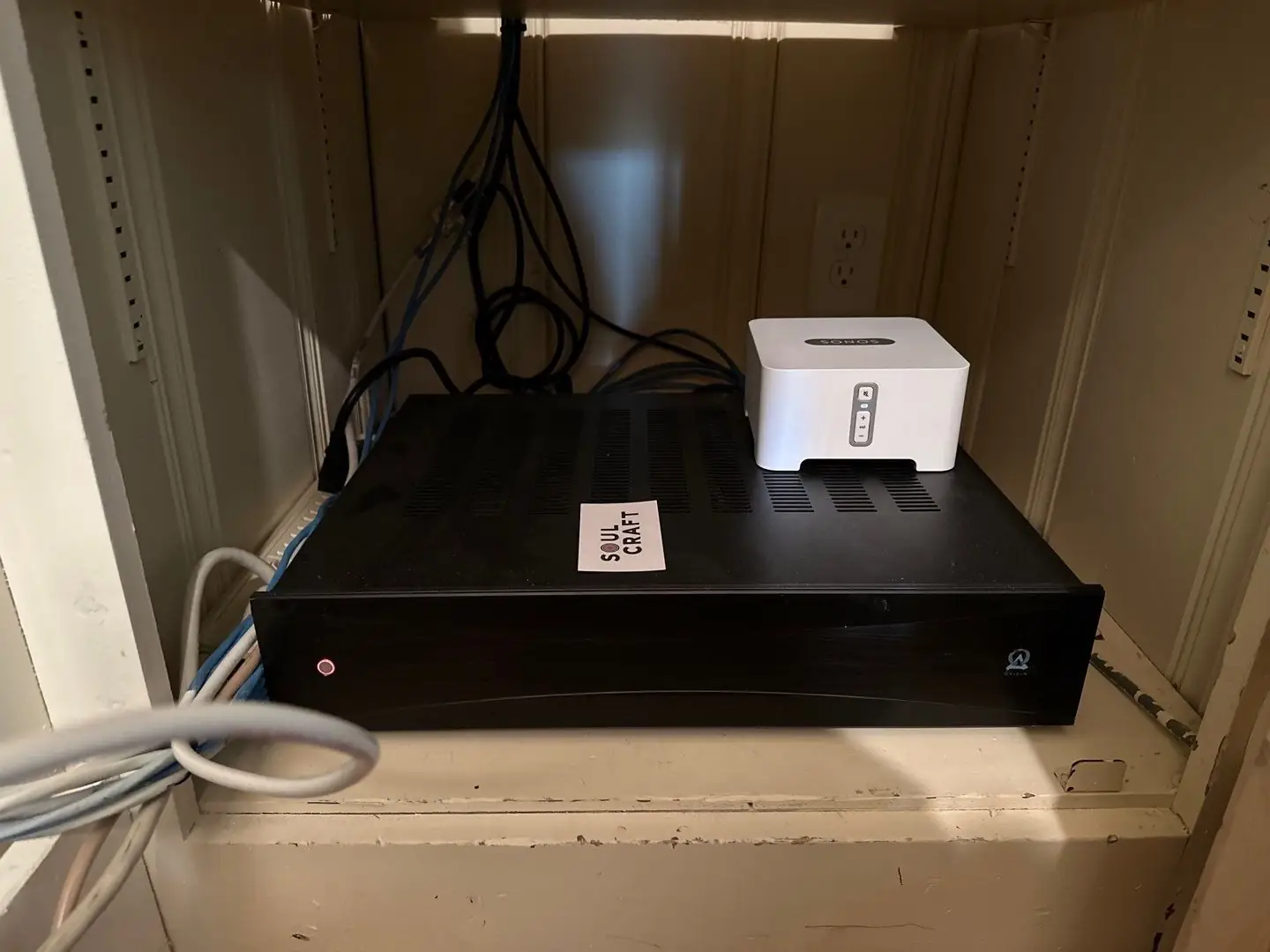
Access points need a cable back to the rack. TVs, soundbars, and cameras should take a wire when they can, so they don't eat the Wi-Fi. When a cable can reach the eave, the choices are in Ring's 4K cameras: battery, wired or PoE. More on why a wireless home still needs wires.
The right system for the right property
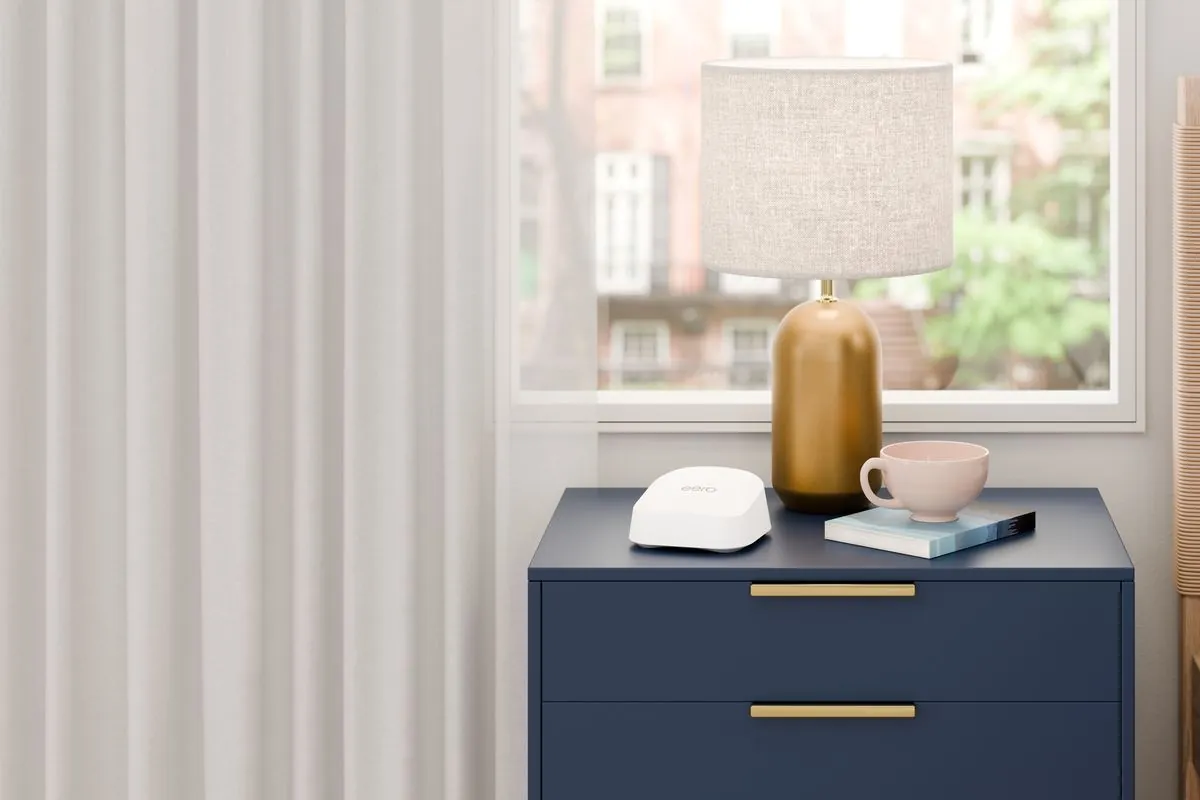
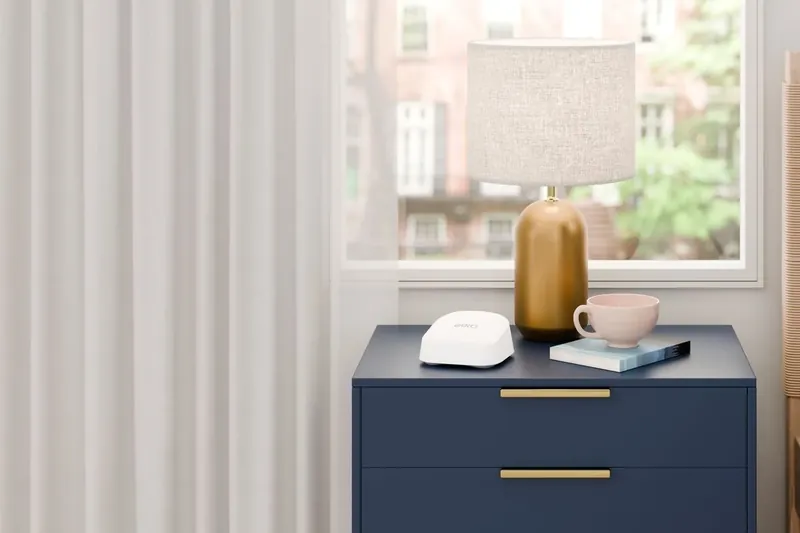
Good, Better, and Best eero packages cover a smaller home, a typical two-story, or a larger estate. The gear and the labor depend on the floor plan. We quote after a walkthrough or a plan review.
SoulCraft EMS
Once an eero network is installed, SoulCraft EMS can watch it. If the internet goes out, or an eero goes offline, we know when it happened and why. We can call you and get you on a path to working Wi-Fi quickly. A visit to the house is still a separate service call.
Our Work
Questions
Why is my Wi-Fi slow in some rooms?
Usually the signal is weak in that room, not the internet plan. Walls, floors, and distance do that. If it is also slow right beside the router, the plan or the provider's box is the limit. We can tell which one it is when we see the house.
Do I need a mesh system?
A mesh helps when one router can't cover the house. A smaller home with the router in the middle may be fine with one. A two-story house, or a house with thick walls, usually needs more than one access point. We wire those access points when we can, so the mesh isn't just repeating a weak signal.
What's the difference between Wi-Fi 6, 6E, and 7?
Wi-Fi 6 is what most houses need. Wi-Fi 6E adds a less crowded band that newer phones can use, and that band doesn't travel through walls as well. Wi-Fi 7 is newer still. The number on the box doesn't fix a dead room. Where the access points sit, and a wire to each one, matter more.
Do you install eero or UniFi?
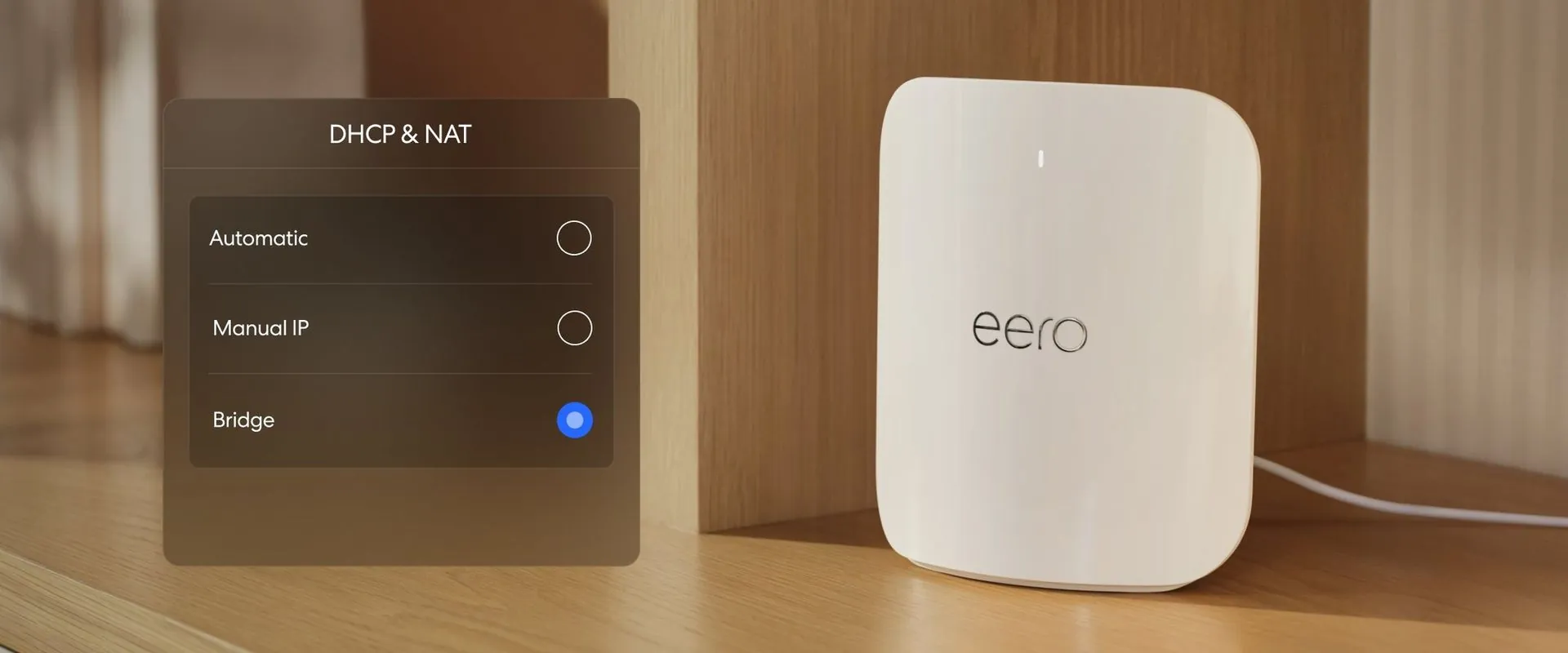
eero is what we use for most homes. The household manages it in the eero app. For a larger property, or when cameras and the rest of the house should stay apart, we design on UniFi. UniFi is more setup, and SoulCraft EMS does not watch it. We wire the radios back to the rack either way.
Can Wi-Fi reach my porch, yard, or dock?
Sometimes, if an access point can see that space. A dock, or a yard past thick walls, usually needs its own access point with a wire back to the rack. We'll say so after we see the property.
How do I secure my network and set up a guest network?
We set a separate guest network in the eero app, so visitors aren't on the same network as your computers and cameras. You change the main password in that app, and you don't have to hand it out. We walk you through it when we hand the system over.